What Is Home Automation? A Plain-English Guide
Most people interact with home automation long before they call it that. You tell your phone to turn off the lights. A thermostat adjusts itself overnight. A doorbell camera sends you an alert while you're at the grocery store.
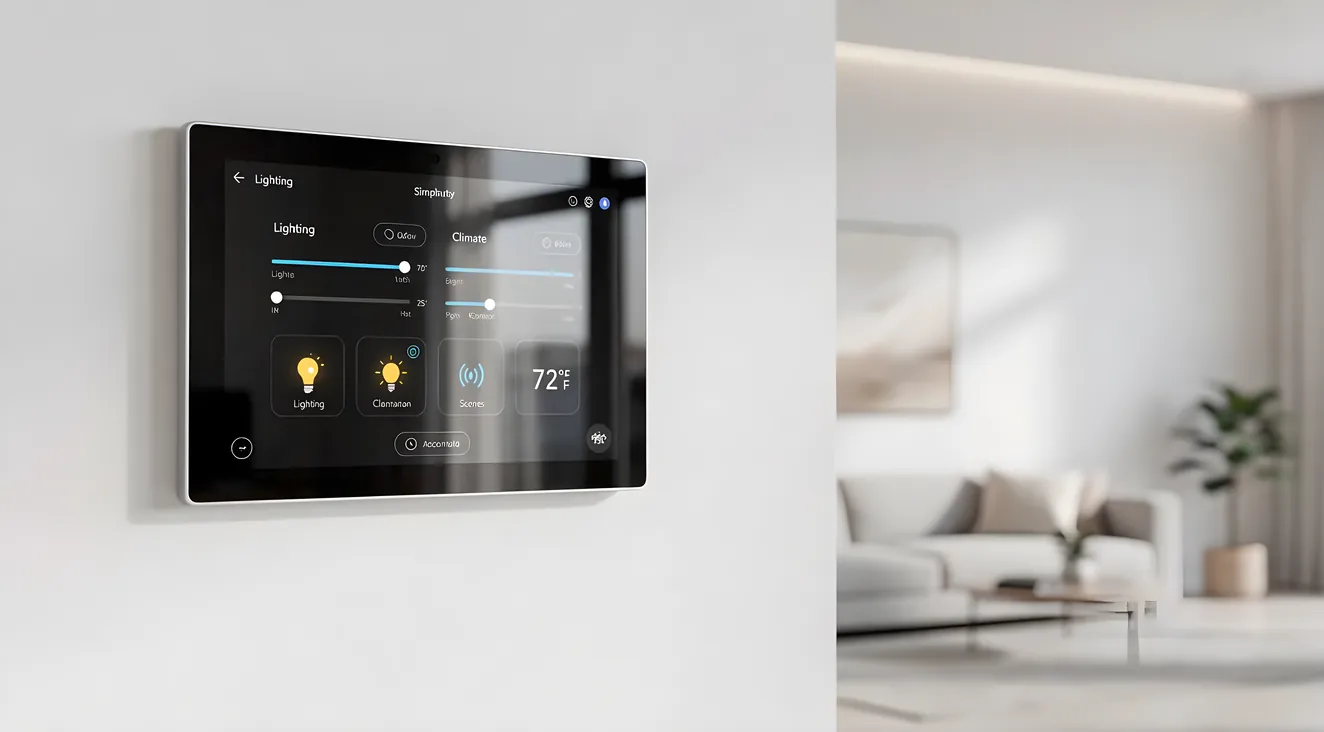
Home automation is the broader umbrella for all of it: technology that lets you monitor and control systems in your home without being physically present at each switch, dial, or device.
Home Automation in Simple Terms
Home automation connects your home's systems to a central controller. That controller might be a phone app, a touchscreen panel mounted on the wall, a voice assistant, or some combination of all three.
Once connected, you can set schedules, trigger actions based on conditions (if the sun sets, turn on the porch lights), and control multiple systems from a single interface. You'll hear "smart home" and "home automation" used interchangeably. They mean the same thing in everyday conversation.
The appeal isn't just convenience. It's consistency. A well-configured system does the same thing every time, without anyone forgetting to arm the alarm or adjust the thermostat before bed.
What Can Be Automated
The list of automatable systems in a modern home is longer than most people expect:
Lighting. Adjust brightness, color temperature, and on/off schedules for individual fixtures or entire zones. Useful for energy savings and creating scenes for different activities (cooking, watching movies, winding down for sleep).
Climate control. Smart thermostats learn your schedule and adjust accordingly. More advanced systems can control individual rooms with separate sensors and zone dampers.
Door locks. Electronic deadbolts let you lock and unlock remotely, grant temporary access codes to houseguests or contractors, and check whether a door is locked without getting up.
Garage doors. Open and close remotely, get alerts if the door is left open, and link garage access to arrival/departure routines.
Window shades and blinds. Motorized shades can be set to open at sunrise, close when sunlight hits a certain angle, or respond to your voice.
Audio and video. Whole-home audio lets you play music in any room or throughout the house. Integrated A/V systems tie together your TV, streaming, and surround sound under one interface.
Irrigation. Smart controllers skip scheduled watering when rain is detected, adjust based on local weather data, and let you run specific zones from your phone.
Surveillance cameras. Indoor and outdoor cameras with motion alerts, two-way audio, and cloud or local storage for recordings.
DIY vs Professional Installation
The right approach depends on what you're trying to accomplish.
DIY makes sense when: - You want to automate a single device or a few devices (a thermostat, a smart lock, a couple of light switches) - You're comfortable with consumer apps and don't mind occasional setup friction - You want to use voice assistants like Alexa or Google Home as the controller - Your budget is under $1,000
Consumer-grade products from Ring, Nest, Amazon, and Apple (HomeKit) are designed for self-installation. They work reasonably well when kept within their own ecosystem. The limitation shows up when you try to mix brands or build something more complex. Getting a Nest thermostat, a Ring doorbell, and an Amazon Echo to work together requires workarounds, and adding a third-party lighting system to that mix often means managing three separate apps.
Professional installation makes sense when: - You want whole-home coverage across lighting, climate, security, audio, and shading in a unified interface - Reliability matters: you want a system that works without constant troubleshooting - You're building or remodeling (much easier to wire for automation during construction) - Your budget supports it
Professional-grade systems like Control4, Savant, and Crestron are built for integration. A certified dealer programs all your devices to work together under one interface and is available for support when something needs adjustment. The hardware and programming cost more, but the result is a system designed to work as a whole rather than as a collection of apps.
How Much Does Home Automation Cost
Costs vary widely based on scope and approach.
Consumer-grade devices (DIY): - Single smart thermostat: $150-$300 - Smart lock: $150-$350 - Smart lighting starter kit: $100-$400 - Full DIY smart home (multiple systems, one ecosystem): $500-$2,000
Professional whole-home systems: - Entry-level professional system (lighting + climate + security, smaller home): $5,000-$15,000 - Mid-range whole-home integration (all major systems, 2,500-4,000 sq ft): $15,000-$35,000 - High-end build with custom programming, full A/V integration, motorized shading: $50,000+
Prices include hardware, programming labor, and installation. Ongoing costs to budget for include software subscriptions (some platforms charge annual fees), cloud service plans for cameras, and periodic updates or support from your integrator.
Major Home Automation Platforms
Understanding the difference between consumer and professional platforms helps you set realistic expectations.
Consumer-grade platforms: - Amazon Alexa / Echo — Wide device compatibility, strong voice control, large third-party ecosystem. Best for voice-first control of individual devices. - Google Home / Nest — Similar to Alexa. Tight integration with Google services and Nest hardware. - Apple HomeKit — Prioritizes local processing and privacy. Works well within the Apple ecosystem. - Ring — Focused on security and doorbells. Integrates with Alexa.
These platforms are easy to set up and inexpensive to start. The trade-off: limited cross-brand integration, consumer-grade hardware reliability, and no professional programming support.
Professional-grade platforms: - Control4 — The most widely deployed professional home automation platform. Dealers program the system to your specific layout and preferences. Strong reliability record, robust A/V integration. - Savant — Apple-adjacent aesthetic, strong in high-end residential. Known for clean interfaces and reliable performance. - Crestron — Common in commercial settings; also used in high-end homes. Deep customization, enterprise-grade reliability. - Lutron — The standard for professional lighting control and motorized shading. Often integrated with Control4 or Savant rather than used standalone.
The difference that matters most: professional systems are programmed for your home. Consumer systems are configured by the homeowner through an app. When something changes or breaks on a professional system, a certified technician handles it.
Getting Started
Here's a practical sequence for anyone considering home automation:
1. Define what you want to control. List the specific problems you want to solve. "I forget to turn off lights" is different from "I want whole-home audio and lighting scenes for entertaining." The answer shapes everything else.
2. Set a realistic budget. Be honest about what you're willing to spend, including ongoing costs. Consumer systems start cheap and scale awkwardly. Professional systems require more upfront but are designed to grow with the home.
3. Decide DIY vs. professional. Single-room or single-system automations are strong DIY candidates. Anything involving multiple systems, custom programming, or a desire for one interface across the whole house points toward professional integration.
4. If going professional, get quotes. The scope and programming requirements vary enough that prices differ significantly between integrators. Get at least two or three quotes and ask each dealer to walk you through what's included in programming and post-installation support.
Looking for a home automation installer in the Bay Area? Browse the directory of local home theater and smart home professionals or explore our home automation service listings to compare local installers.
For more on where home automation technology is headed, see our overview of smart home trends. If security integration is a priority, the smart home security services section covers what professional security integration looks like.