Smart Home Starter Guide for Bay Area Homeowners
Setting up a smart home feels straightforward until you start Googling. Within minutes you're buried in platform comparisons, protocol debates, and product reviews for devices you've never heard of. This guide cuts through that noise.
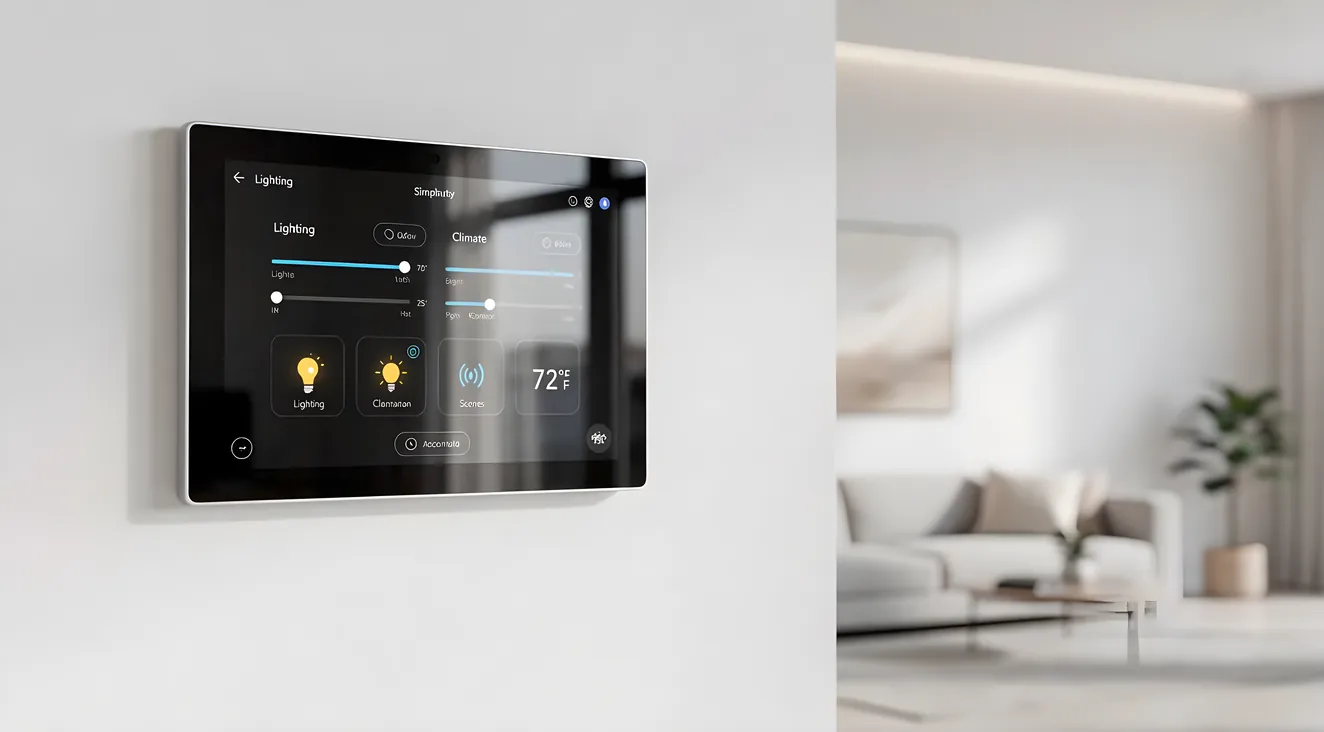
Whether you live in a Victorian in the Mission or a newer build in Fremont, the fundamentals are the same: start small, pick a platform, get your network right, and add complexity only when the basics are running smoothly. Here's how to do that without making expensive mistakes.
If you're still figuring out what home automation actually includes, the home automation overview is a good place to start before diving in here.
Start With One Room or One System
The most common beginner mistake is trying to automate everything at once. A smart thermostat, smart locks, video doorbell, connected lighting, and a whole-house audio system all sound appealing in theory. But every device you add increases setup complexity and the number of things that can break.
Pick one priority and get it working well before adding the next layer:
- Lighting works well as a first project. Smart bulbs or switches are easy to install, immediately useful, and teach you a lot about how platforms work without requiring any wiring changes.
- Climate control has a strong ROI case. A smart thermostat can pay for itself over time through energy savings, especially in Bay Area homes where heating and cooling costs vary widely by neighborhood and season.
- Security (video doorbell, smart lock) is often the entry point for homeowners who travel frequently or have package delivery concerns.
Get one system running reliably and living with it for a few weeks before you expand. You'll make better decisions for the next category once you understand how your first one actually behaves day-to-day.
Choose a Platform Early
Your automation platform is the hub that connects devices and lets them work together. Choosing it late, after you've already bought a mix of hardware, creates headaches. Choose early and buy devices that are confirmed compatible.
The four main platforms:
Apple HomeKit is the default choice for households already in the Apple ecosystem. It's tighter on compatibility (not every brand supports it), but the privacy model is better than the competition and setup via the Home app is genuinely simple. If you run iPhone, iPad, and Mac, this is the path of least resistance.
Google Home integrates naturally with Android phones, Nest thermostats, and Google speakers. The Matter protocol support is good, and it works well in mixed-device households.
Amazon Alexa has the widest device compatibility of any consumer platform. If you want maximum hardware options, this is the most flexible. Voice control is strong. The interface is less polished than Apple or Google, but it works.
Professional platforms (Control4, Savant, Crestron) are a different category. These are for whole-home automation projects that go beyond what consumer platforms can handle: multi-zone lighting scenes, distributed audio, motorized shades, and systems that require custom programming. You'll need a certified dealer to install and configure these. If you're starting fresh with a significant budget, a professional home automation installer can help you evaluate whether a professional platform makes sense for your goals.
Bay Area households with tech workers often default to Apple or Google. The ecosystem lock-in is real either way, so pick the one that matches your existing devices.
Best First Smart Home Devices
These four categories have the highest daily-use impact and the most reliable track records for first-time buyers:
Smart thermostat. Ecobee and Google Nest are the two worth considering. Ecobee works across more HVAC types and has a built-in room sensor. Nest integrates more tightly with Google Home and has a cleaner interface. Either one will reduce energy waste through scheduling and occupancy detection.
Smart lighting. Two approaches: smart bulbs (Philips Hue) or smart switches (Lutron Caseta). Bulbs are easier to install but only work when the switch is on. Switches control any bulb in the fixture and don't require everyone in the house to remember not to flip the toggle. For Bay Area older homes with non-standard wiring, Lutron Caseta's no-neutral-wire option is a practical advantage.
Video doorbell. Ring and Google Nest Doorbell are the category leaders. The main decision point is ecosystem fit: Nest works naturally with Google Home, Ring works with Alexa. Both offer motion zones, two-way audio, and cloud storage.
Smart lock. Schlage and Yale make the most reliable options. Look for models that work with your chosen platform. Keyless entry is useful; the ability to grant temporary access for houseguests, cleaners, or contractors is where smart locks pay off over regular electronic locks.
Wi-Fi First
No smart home device works reliably on a poor network. Before buying a single smart device, assess your home's Wi-Fi coverage.
Bay Area homes create specific Wi-Fi challenges. Older construction in Oakland, Berkeley, and San Francisco often uses thick plaster walls and lath that blocks 5GHz signals. Multi-story Victorians and Craftsmen with split layouts can create dead zones on upper floors or in detached garages.
Mesh Wi-Fi solves these problems better than range extenders. The three worth considering for Bay Area home sizes:
- Eero (entry-level, Amazon ecosystem integration, simple app)
- Orbi (strong performance in larger homes)
- UniFi (prosumer choice, higher upfront cost, significantly better control and reliability for tech-forward households)
One additional step worth taking: set up a separate IoT network (most mesh systems support this as a guest network variant) to keep your smart devices isolated from phones, laptops, and other personal devices. This limits the blast radius if a device is compromised and can improve overall network performance.
DIY vs Professional Installation
Most first smart home devices are DIY-friendly. If you can change a light switch, you can install most smart switches. Thermostats come with clear wiring diagrams. Video doorbells mount with a screwdriver.
When you can reasonably DIY: - Individual smart devices (bulbs, plugs, speakers) - Smart thermostats (most HVAC systems) - Video doorbells (existing doorbell wiring usually works) - Basic Alexa or Google routines - Smart plugs for lamps, fans, or small appliances
When you should hire a professional: - Any work involving new in-wall wiring - Whole-home lighting control (replacing multiple switches throughout the house) - Multi-zone audio distributed through walls and ceilings - Control4 or Savant systems (these require certified programming, not just setup) - Security system integration with professional monitoring - Projects in older Bay Area homes where wiring may not meet modern expectations
A good integrator will also help you avoid compatibility problems before you buy hardware, which matters more than most people realize until they're returning products. If you're planning a more involved project, it's worth consulting a local home theater and automation professional before purchasing anything.
Common Beginner Mistakes
Buying incompatible devices. A Zigbee bulb won't pair with a Wi-Fi hub without a bridge. A HomeKit device won't work natively in Google Home without workarounds. Check compatibility before every purchase.
Poor Wi-Fi coverage. Smart devices that drop offline randomly are worse than dumb devices. Solve the network before adding hardware.
No plan for expansion. A smart switch that's wired into a three-way switch setup requires a specific companion switch. If you didn't account for that when buying, you're making a second trip. Think one step ahead before you buy.
Ignoring hardwired options. Wireless is convenient for getting started, but hardwired solutions are more reliable long-term. For a permanent home, in-wall switches beat smart bulbs. For audio, wire runs beat Bluetooth.
Over-automating early. Automations that don't work perfectly become friction. Start with simple, reliable rules (lights off at midnight, thermostat drops at bedtime) before building complex multi-trigger scenes.
Next Steps
Once your first system is running reliably, you'll have a much clearer sense of what's worth adding next.
Natural expansions from a working smart home foundation:
- Whole-house audio lets you control music throughout the home from a single app or voice command. Multi-zone systems require in-wall wiring and are best planned early in a renovation.
- Smart home security integration connects cameras, sensors, and locks into a single monitoring layer, often with professional monitoring options.
- For projects that go beyond individual devices, a professional AV integrator can design a system around your actual usage patterns rather than what's popular online.
The home automation services directory lists Bay Area installers who work on projects at every scale, from single-room upgrades to full-home builds. See also smart home trends for what's gaining traction among Bay Area homeowners right now, and the homepage for a full directory of local installers.
Smart home technology rewards patience. The homeowners who end up happiest with their systems are the ones who moved slowly, learned what they had before adding more, and called in a professional before tackling projects that exceeded their wiring comfort level.